Eu sou
Emerson Facunte
Head estratégia digital, inovação, varejo digital, cultura ágil, inteligência artificial, pensador criativo
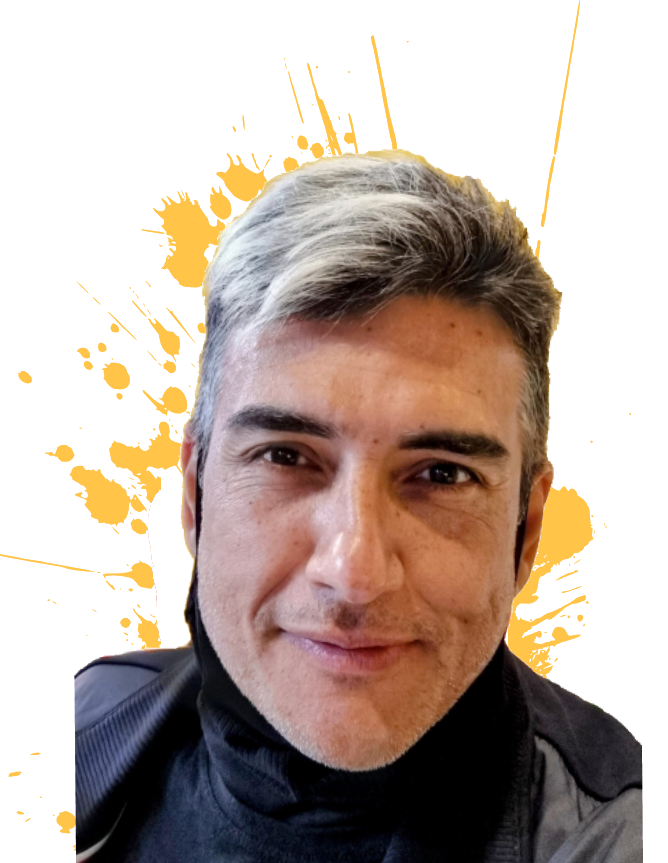
Especialista em negócios digitais, profissional de tecnologia com mais de 35 anos de experiência, atuando em empresas de diferentes segmentos (varejo, construção civil, consultoria e educação.
Pioneiro em e-commerce no Brasil.
Capacitação de equipes multidisciplinares e criação de plataforma própria de e-commerce na Saraiva.com (2002 a 2014).
Foco em inovação e transformação digital, atuando em projetos de grande expressividade.
Produtos Digitais
Inovação
Cultura Ágil
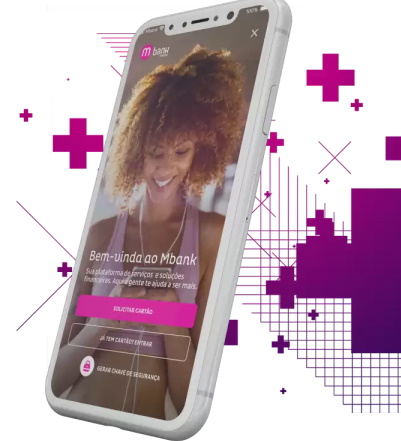
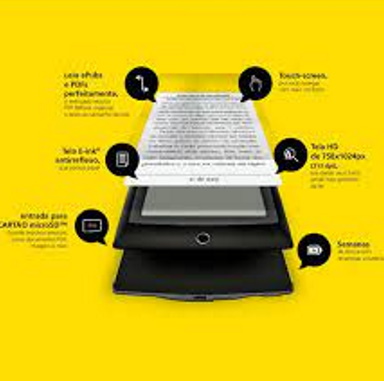
+70 projetos digitais desenvolvidos ao longo de 35 anos. Dashboards de engenharia, e-reader, plataformas de e-commerce, aplicativos, engines de busca, entre outros.
9 livros técnicos publicados com o objetivo de capacitar profissionais em ferramentas de desenvolvimento de aplicações.
2024 - atual
2020 - 2024
2019
2016 - 2018
2021 - 2022
2018 - 2019
2013 - 2014
2006






Tive a oportunidade de acompanhar todo o crescimento profissional e pessoal deste ser humano fantástico. Sua vida profissional foi desafiadora e exigente, lhe atribuíam as tarefas e os projetos mais "cabeludos". Sempre se superou e entregou com qualidade, contribuindo com idéias e alternativas.
O Facunte é um profissional brilhante com um conhecimento técnico gigante mas também uma grande visão de negócios. É um profissional que por onde passou deixou legado e uma série de projetos de sucesso. Um profissional completo de tecnologia e inovação
O Facunte é um profissional que está sempre à frente no que diz respeito a tecnologia e tendências. Sua capacidade de comunicação e entusiasmo fazem dele um excelente multiplicador de idéias. Ter um profissional como esse no seu time é garantia de boas idéias.
Emerson is a visioning professional, always up to date with last technology. He has a very good knowledge about Microsoft development tools and architecture. He is a very spirited person, making the work place harmonious.
Trabalhar com Emerson Facunte é ter a certeza de resultados sólidos e consistentes. Poucos profissionais, com os quais trabalhei, demonstraram atuar verdadeiramente, com a alma, para transformação de negócios digitais em negócios longevos. Émerson Facunte é um deles.
I met Emerson at Microsoft Most Valuable Professional Program. I had followed his work for over three years and have found him to be an excellent professional and exceptional friend. He has deep technical skills, he's very energetic and has good sense of humor. Always willing to help, creating the best working environment. I highly recommend Emerson.

2005, 2006, 2007, 2008 e 2009
2010

2018

2023
Principais palestras ministradas
2019 MVP Conf - Oportunidades e riscos da IA e Computação Cognitiva para o Varejo
2018 MVP Conf - Super Hero 4.0
2014 eTail Brasil - Combatendo Fraudes no Comércio Eletrönico
2014 eTail Latam / Miami - Round table Mobile Commerce
2013 Codificando.Net 10 anos - Oportunidades de carreira
2011 Game Fest- Desenvolvendo games com XNA e IA
2007 BORCON - Round table com David I sobre futuro do Delphi
2007 Game Fest- Arquitetura XNA <-> XBox
2006 BORCON - Dev plataforma e-Commerce (WebBroker)
2005 Microsoft TechEd- Arquitetura VSTS 2005